
Connect PPIO Cloud
PPIO Cloud is a leading independent distributed cloud computing provider in China, offering stable, affordable, and even free model services.
Preparation
Open the PPIO Cloud website and register an account (accounts registered through this link will receive a ¥15 voucher).
Go to Model API Service and find the model you want to use. You can filter by provider or select free models.
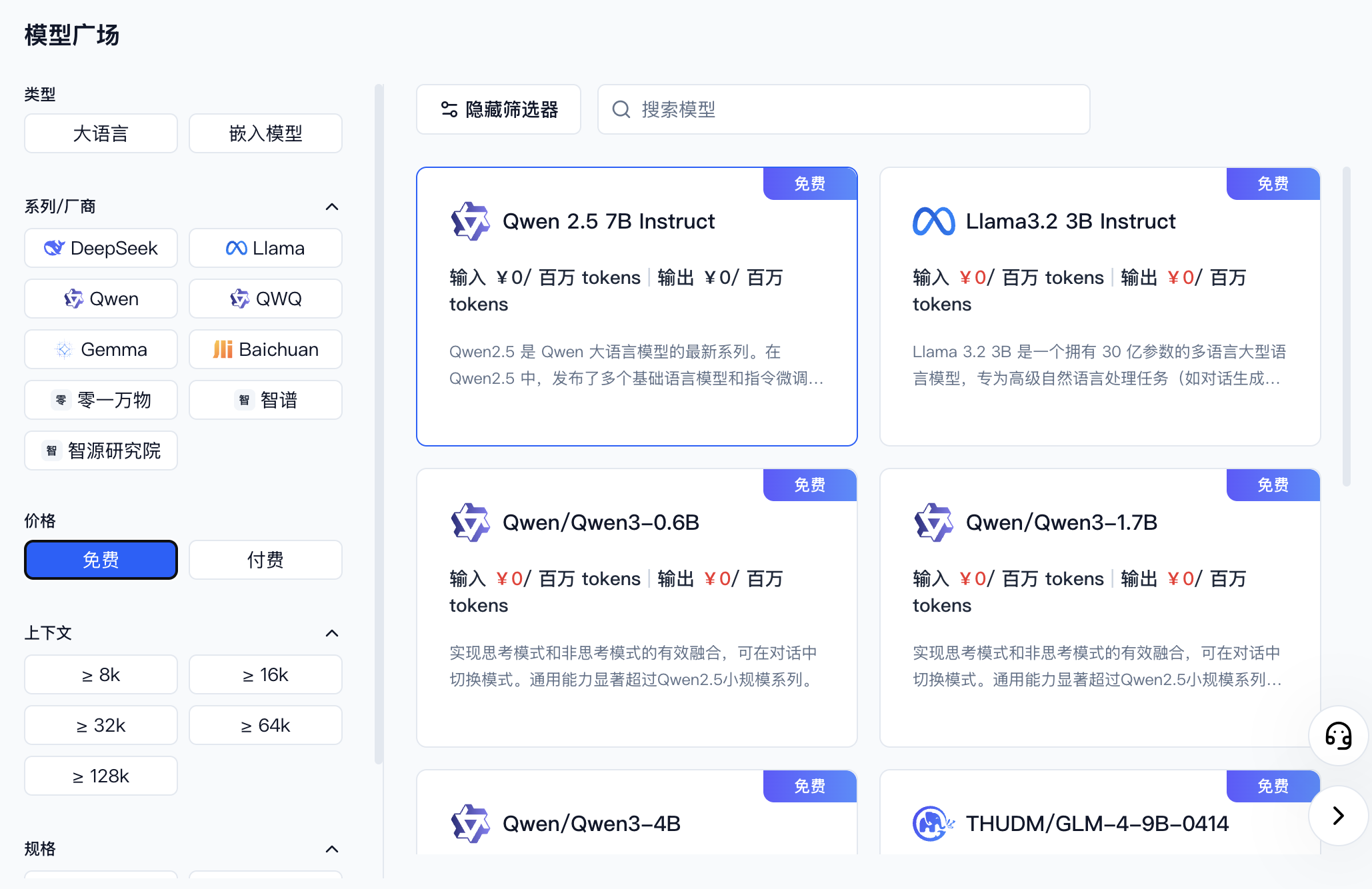
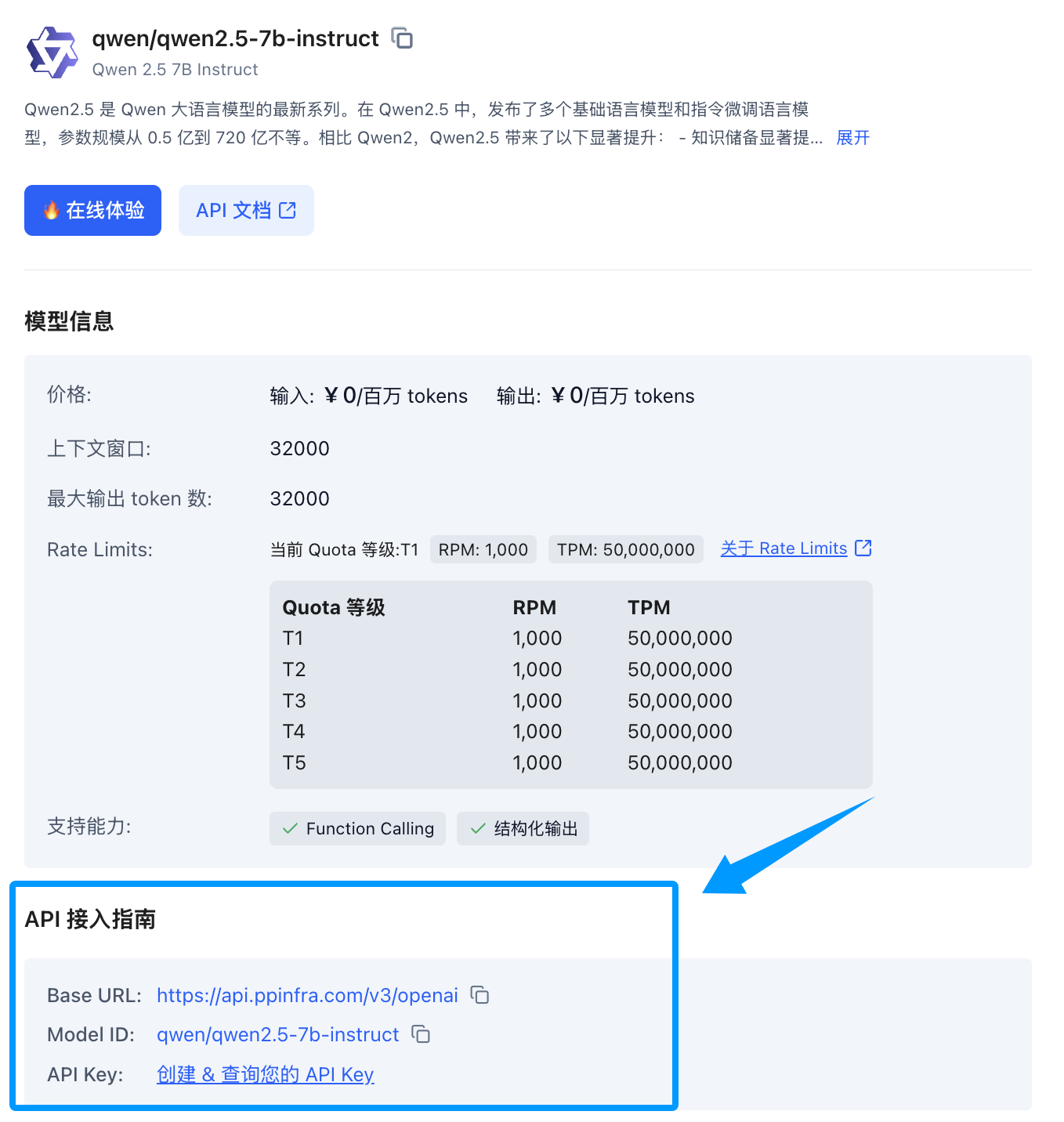
Once you find the model, click its card to expand a detail panel on the right. Scroll down to the API integration guide — if you haven't created a key yet, click to create one.
In the AstrBot WebUI, open Providers → Chat Completion, click Add, and select PPIO.
Enter the provider name and API Key, check the API Base URL, then click Save and Fetch Models. Click + beside the desired model and make sure it is enabled. Alternatively, click Save Configuration, then Custom Model and enter the exact model ID. Use Test Model beside the configured model to check availability.
Usage
Open Config, select the profile to use, and go to AI → Model. Set Chat Model to the model you just added, then click Save Configuration at the bottom right. This setting is for AstrBot built-in AI.
Send the /provider command to the bot to switch to the PPIO Cloud provider you just added.
FAQ
400 Error
Error code: 400 - {'code': 400, 'message': '"auto" tool choice requires --enable-auto-tool-choice and --tool-call-parser to be set', 'type': 'BadRequestError'}Disable all calling tools in the WebUI, or switch to a different model.